Turn customers into regulars.
The digital stamp card for local shops, saved in your customers’ wallet.
One card. Every visit counted.
Free coffee after 5 visits
- A customer scans the QR sign on your counter.
- First visit. Their card is in their phone’s wallet in seconds.
- Second visit. You scan their code and it counts.
- Third visit. No paper, nothing to lose.
- Fourth visit. They can see the reward getting close.
- Fifth visit. Reward earned. That’s a regular.
Loyalty pays for itself.
85%
of loyalty members are more likely to keep buying from a business that has a loyalty programme.
Bond Loyalty Report 202673%
of loyalty members say they spend more because of a loyalty programme.
Bond Loyalty Report 202625–95%
more profit from keeping just 5% more of your customers.
Bain & Company, via Harvard Business Review
As per industry research.
For you
Up and running in 5 minutes.
Set your reward
Choose what regulars earn, like a free coffee after five visits. Then print your QR sign.
Customers join in seconds
They scan the sign with their phone camera, enter their email, and save their card to Apple Wallet or Google Wallet. No app to download.
Scan at the counter
Open TapRegular on your phone or tablet, scan their code and enter the amount. The visit counts and rewards appear by themselves.

For your customers
Their QR code lives in their phone’s wallet.
Each customer gets a personal QR code, saved as a digital card in Apple Wallet or Google Wallet on their phone, next to their boarding passes and tickets. No app to download, no paper card to lose.
Scan once to join
They point their phone camera at your QR sign and enter their email. That’s all it takes, and they only sign up once.
Their card goes into their wallet
With one tap, their personal QR code is saved as a digital card in Apple Wallet on iPhone or Google Wallet on Android. It stays there, ready for the next visit.
Collect stamps
At the counter they open the card in their wallet and show the QR code. You scan it and the stamp appears on their card straight away.
Get rewarded
When the card is full, the reward is waiting on their phone. They show it at the counter and enjoy it.
Saved as a digital card inApple WalletGoogle Wallet
Your dashboard
See who keeps coming back.
Every scan feeds your dashboard. See how many regulars you have, when they visit and which rewards bring them back.
- Members
- 248
- +32 this month
- Return rate
- 64%
- came back within 30 days
- Rewards redeemed
- 41
- +9 this month
- Average spend
- €7.80
- per visit by a regular
Visits by day
- 42 visitsMon: 42 visits
- 38 visitsTue: 38 visits
- 51 visitsWed: 51 visits
- 57 visitsThu: 57 visits
- 74 visitsFri: 74 visits
- Busiest day: 96 visitsSat: 96 visits
- 63 visitsSun: 63 visits
New and returning
- Returning 64%
- New 36%
Top regulars
- Sara M.14 visits
- Tom V.12 visits
- Inès D.11 visits
Illustration with sample data, not real results.
- Every member at a glance
- See each member, how often they come and what they spend.
- Spot your busy days
- Know when regulars visit, so you can plan staff and stock.
- See rewards at work
- Track rewards earned and redeemed, and how often members return.
Your name on the counter.
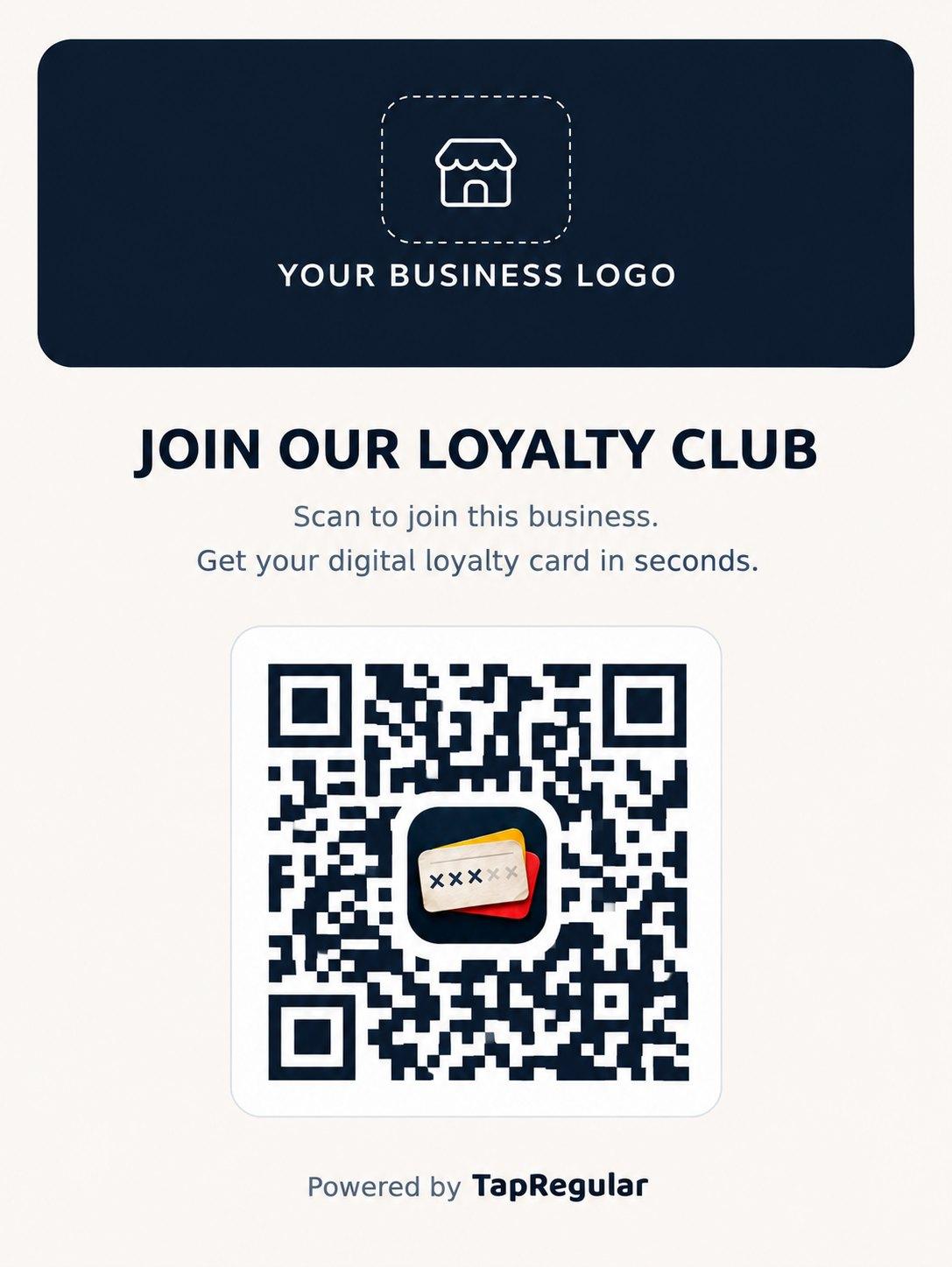
Every shop gets its own QR sign with its logo on it. Put it by the till, on the door or on your receipts.
Better than a paper stamp card.
- Nothing to lose
- Cards live in Apple Wallet or Google Wallet on your customers’ phones, not at the bottom of a bag.
- Know your regulars
- See who comes back, how often, and what they spend.
- No new hardware
- Works in the browser on the phone or tablet you already have.
- One code, many shops
- Customers use one QR at every TapRegular shop. Each shop only sees its own customers.
Questions
Do my customers need to download an app?
No. They scan your QR sign once and save their card to Apple Wallet or Google Wallet, which are already on their phone.
Where is my customers’ QR code stored?
In their phone’s wallet. Each customer’s personal QR code is saved as a digital card in Apple Wallet (iPhone) or Google Wallet (Android), so it’s always with them.
What do I need at the counter?
A smartphone or tablet with a camera and an internet connection.
Does it work with my till?
Not yet. You type in the amount when you scan. Till integrations come later.
What does it cost?
We’ll share pricing before launch. People on the waitlist hear first and can apply for the pilot.
What happens to my customers’ data?
Customers only share their email to join. Each shop only sees its own customers and purchases, and we don’t sell personal data.
When does it launch?
We’re starting with a small group of pilot shops in Belgium. Join the waitlist and we’ll tell you when your spot opens.
Be one of the first shops on TapRegular.
Join the waitlist and we’ll email you when it’s your turn.